22 / Connected device
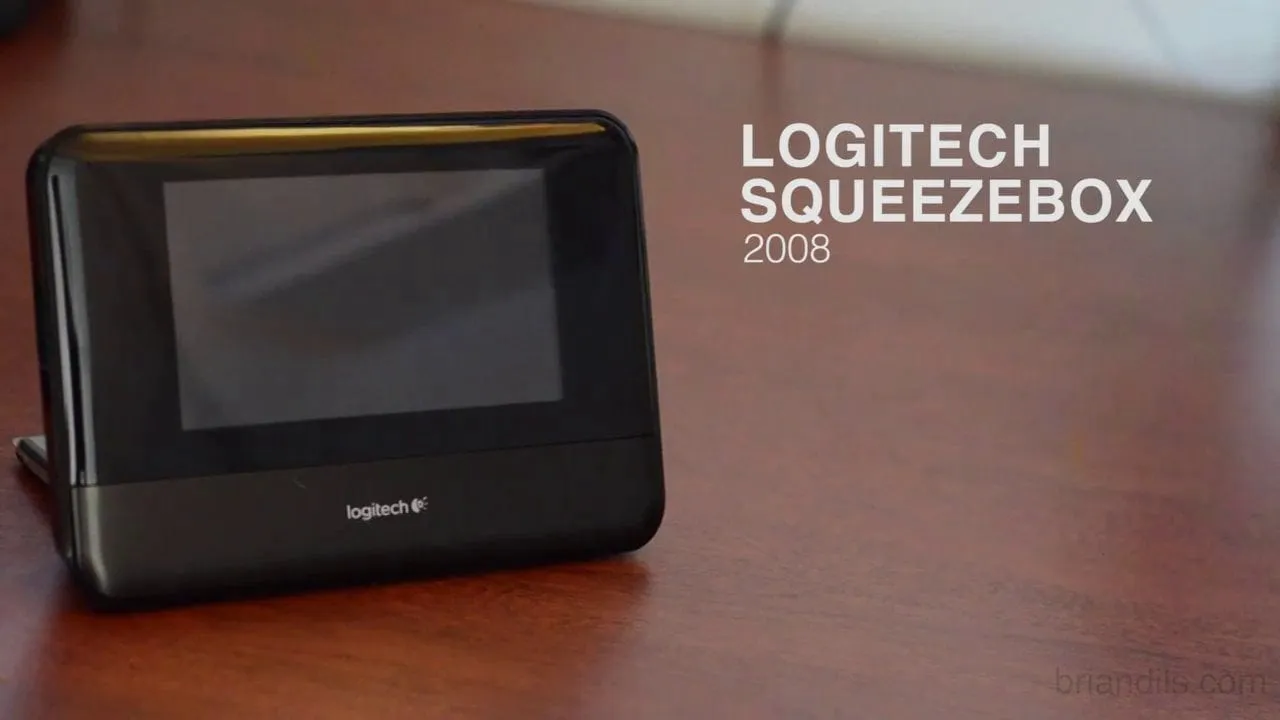
Logitech Squeezebox.
The problem
The Squeezebox is a network music player from Logitech. It plays internet radio and digital audio streamed to it across a home network, and it connects to services such as Pandora, Slacker, Napster, Rhapsody and Last.fm. The Touch model has a 4.3-inch color touchscreen. People wanted to walk up to it in a kitchen or living room and have music playing in seconds.
The screen was small and the content was not. A personal library could hold thousands of albums, and each service had its own way of organizing music. Typing on a touch keyboard that size was slow. If every source looked and behaved differently, owners would have to relearn the device each time they switched, and the team would have to rebuild screens for each service.
The approach
I worked with Matt Weldon on interaction design, and Noah DiJulio of Bould Design did the visual design. My part was the research, the prototypes and the framework underneath the screens.
- 01
Listening habits research
I started with research into how people browse and play music at home. I wanted to know what they reached for first, how they found something to play, and what they gave up on. Those answers decided which tasks had to be one touch away and which could sit a level deeper.
- 02
Pencil sketches
I sketched music screens and touch gestures in pencil, many of them quickly. The sketches covered a home screen of large tiles, a library list with a playback bar underneath, and notes on what a press or a long press should do. Pencil kept the debate on behavior rather than on polish.
Early conceptual sketches. - 03
Wireframe components
I turned the sketches into a kit of grayscale wireframe components: lists, a list with thumbnails, radio buttons, a keyboard, text pages and a layout with primary, secondary and tertiary labels. A page title and its two corner buttons stayed fixed on every screen. Defining parts first meant a new service could be assembled from them.
Wireframe components. - 04
Prototyping the hard parts
I prototyped the interactions I was least sure of. Searching an artist name on a small keyboard and moving through a long library were the two that mattered most. I tried them with people, watched where they hesitated, and changed the flow before any of it went to visual design.
- 05
One framework across services
I conceptualized the UI framework to cover everything from a personal music library to online radio. Every source got the same list, the same back and now-playing buttons, and the same way to drill from artist to album to track. Noah's visual design and the shared rules could then carry any new service.
UI screens. Interaction design with Matt Weldon, visual design by Noah DiJulio. - 06
Checking it on the device
The last check was on the Squeezebox Touch itself. A menu that reads well in a wireframe can feel crowded at the size of that screen, so I looked at row height, arrow size and the distance between touch targets with the device in hand, and adjusted the framework to match.
The My Music menu on the Squeezebox Touch.
The solution
The finished interface opens with a welcome screen that connects the player to the home network, then a home screen of large icons: My Music, Internet Radio, App Gallery, My Apps, Favorites, Image Viewer, Settings and Tutorial. My Music splits into artists, albums, genres, years and new music. Search brings up a full keyboard. Albums open to track lists, and online services such as Pandora and Facebook use the same list screens.
The key idea was that the list was the product. Because every source reduced to the same list pattern with a title bar and two corner buttons, a person who learned one service had learned them all. The framework also gave engineering a short set of components to build once and reuse.
What I delivered
- User research on browsing and playing music at home
- Pencil sketches of screens and gestures
- Wireframe component kit
- Interaction prototypes for search and large libraries
- UI framework across music services
See it working
Value added
For people using it
Owners saw the same lists, buttons and title bars whether they were in their own library or on an online service. Search and long lists were prototyped and adjusted first, so the slow parts of a small screen were tackled early.
For the business
A shared framework let Logitech add and change music services without redesigning the device each time. The product could say it worked with the services people already used, and it felt like one product.
For the team
Engineering got a defined set of components and rules to build against. Visual design could work on a fixed structure, and the interaction work with Matt Weldon had a common vocabulary of pages and parts.
The result
Delivered research, sketches, wireframe components, interaction prototypes and a UI framework that works across music services.
What I took from it
Building the component kit before the screens paid off every time a new service came up. I would do it that way again. I would also bring in the visual designer earlier, since row height and touch target size turned out to be visual decisions as much as interaction ones.
Background
Logitech unveiled the Squeezebox Radio and the Squeezebox Touch on September 3, 2009. TechCrunch described them as simple to set up on an existing home network, with access to internet radio, personal libraries and subscription services. The Touch has a 4.3-inch color touchscreen.